 Sayfely
Download
Your own server. In a few minutes.
Download Sayfely Server onto a Mac in your office. It brings everything along – database, conference server and the Mac app for your team.
Free for up to 3 people, no registration.
Getting started
From ZIP file to your first chat.
- IT · once
Prepare the server Mac
A Mac that stays on all the time – typically a Mac mini, ideally connected to the office network by cable. Turn on automatic login, turn off sleep and give it a fixed local host name (for example
mac-mini-office). - IT · once
Install and set up Sayfely Server
Open the ZIP, drag “Sayfely Server” into the Applications folder and launch it. Enter your company name and click Set up – the app creates the keys and the database, issues the certificate and starts the services. If the macOS firewall asks whether to allow incoming connections: Allow.
- IT · once
Join yourself – you become the admin
Get Sayfely onto your work Mac (QR code or AirDrop from the server app), open it and click Join. Compare the three check words in the server app and in Sayfely, then approve – the first account always becomes the admin.
- IT · on day one
Set up backups
Choose a folder on an external drive or a network drive, set a backup password and turn on “Back up every night at 2:00”. Then set how long recordings are kept. If you want to invite guests in the browser, also enter an email account (SMTP) for the invitations in the server app.
- Everyone
The team gets the app from your own server
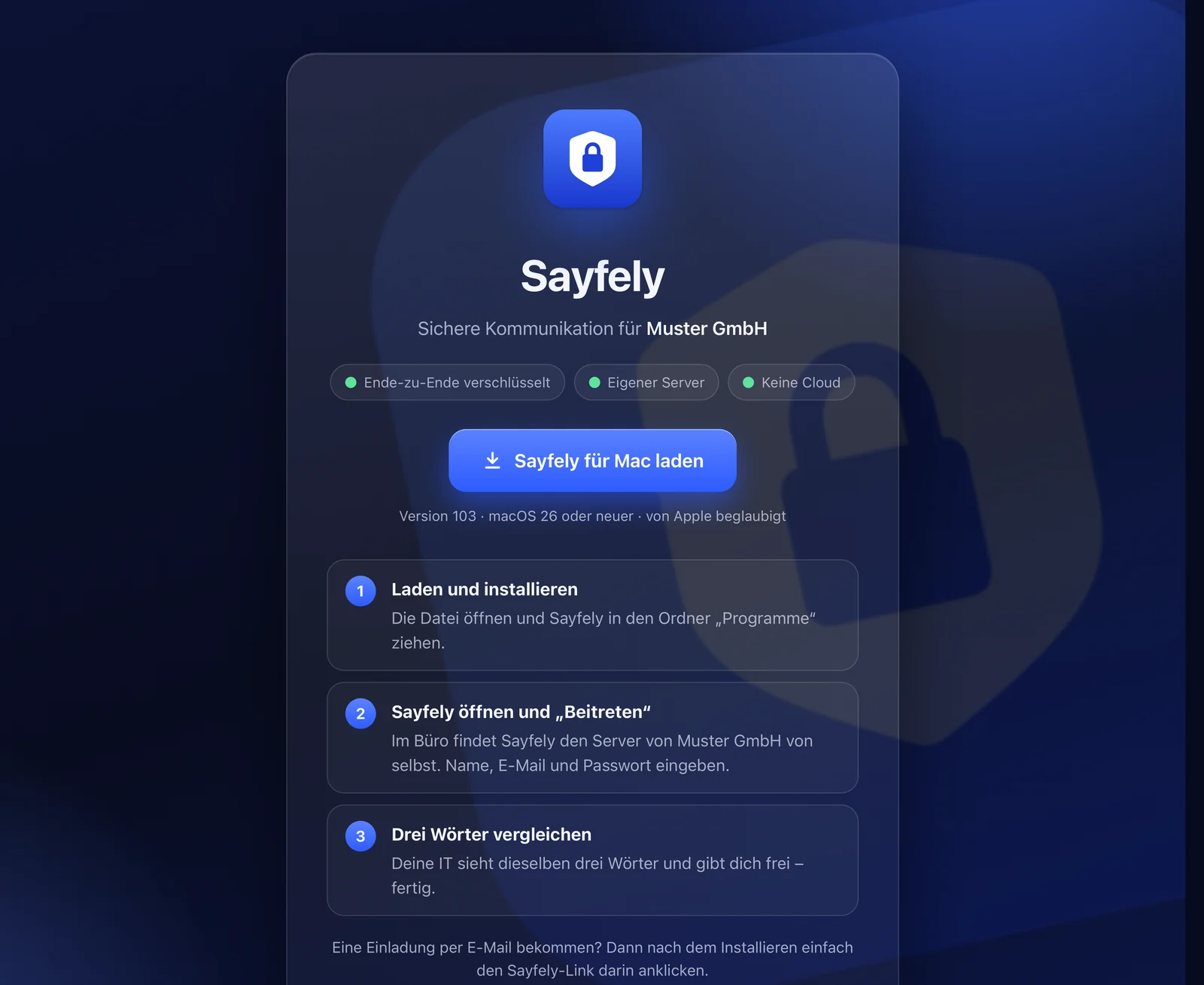
Colleagues open your server’s download page, install Sayfely, click Join and compare three words with you. Done.
The detailed guide with ports, firewall, backups and a checklist is in the admin manual.
And the Mac apps?
Your team’s app comes from your server – not from us.
This website only offers the server. Every Sayfely Server brings along the matching Sayfely app, notarized by Apple, and offers it on a small download page on your company network – at http://<server-name>:8080/.
- Always the right version: app and server match, and the whole office runs the same version.
- Updates from your own server: when you update the server app, the Macs in the office get their update from there – no App Store, no cloud. If it ever fails, there is always “Load in the Browser”.
- Easy to hand out: a QR code to scan with an iPhone and pass on via AirDrop, or the download link sent via AirDrop straight to a Mac.
The download page deliberately runs over plain HTTP on the company network: it only delivers the app, no data. macOS checks the signature and notarization, and trust in your server comes from the check words or the fingerprint in the Sayfely link.
System requirements
What you need.
Server
- Mac with macOS 26 or later
- stays on all the time (e.g. a Mac mini), not the laptop that goes home in the evening
- on the same network as the workstations, ideally by cable
- enough free storage – recordings with video need the most
- an external drive or network drive for backups
Workstations
- Mac with macOS 26 or later
- Apple silicon recommended for the on-device AI features
- Apple Intelligence for the assistant, agenda suggestions and recording summaries
- camera and microphone for conferences
Network
- One shared company network (not a guest Wi-Fi), so Macs find the server automatically
- Ports on the company network: 8443/TCP, 7883/TCP, 7881/TCP, 7882/UDP and 8080/TCP for the download page
- Nothing needs to be opened on the router; for working from home, use “Access from the internet” in the server app (the app shows the port forwarding you need; for browser guests also port 443) or a VPN
Linux instead of a Mac? For companies with their own Linux server, Sayfely Server is also available as a Docker package – without the server app and without automatic backups, for experts. Details in the admin manual.
Questions before you start?
Take a look at the manual or write to us – we’re happy to help with the setup.